
Four Servers, Three Ways to Start.
Pick a server by the work it has to do, not the spec sheet. Or use a machine you already own, or your own cloud keys. This page covers choosing, setting up, looking after and rolling out AiServa.
Four Servers. Pick by the Job, Not the Spec Sheet.
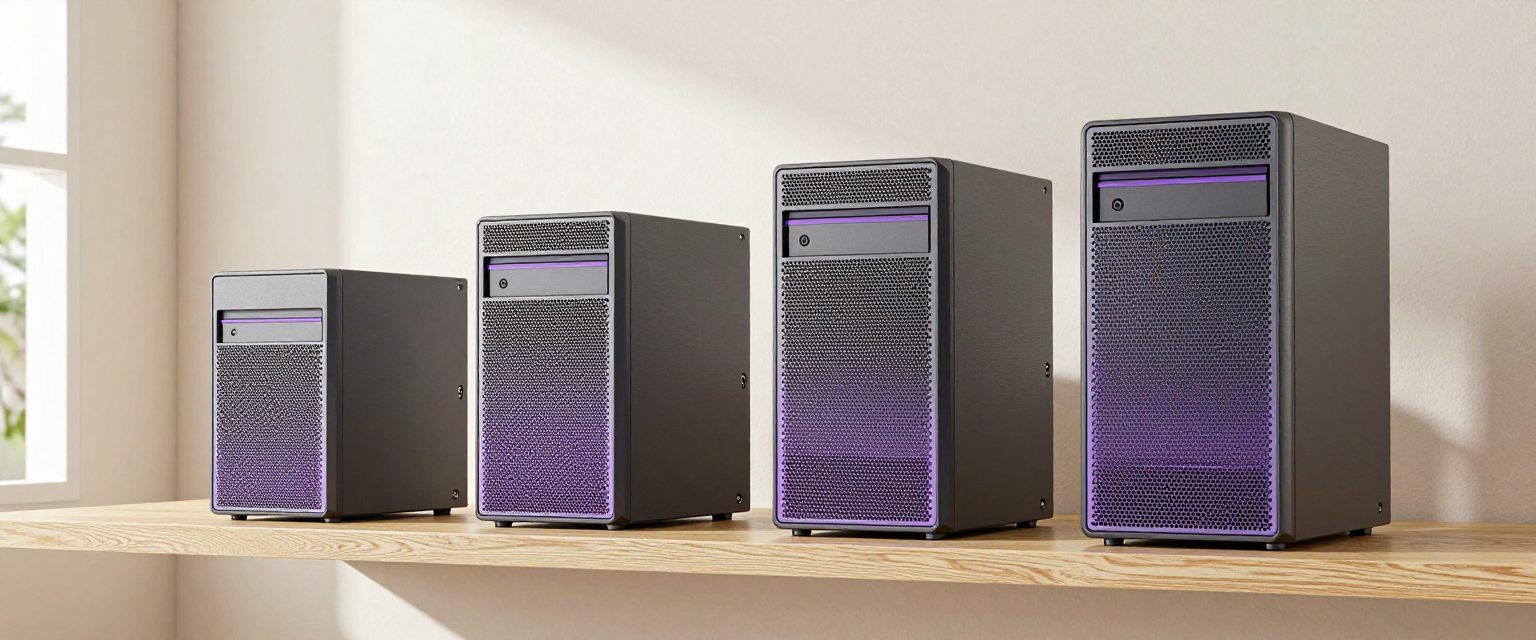
AiServa Basic, Pro, Max and Ultra are the same machine at four sizes. All four connect the same way and run the same AI Agent. The difference is how many people share it, and how hard they work it.
-
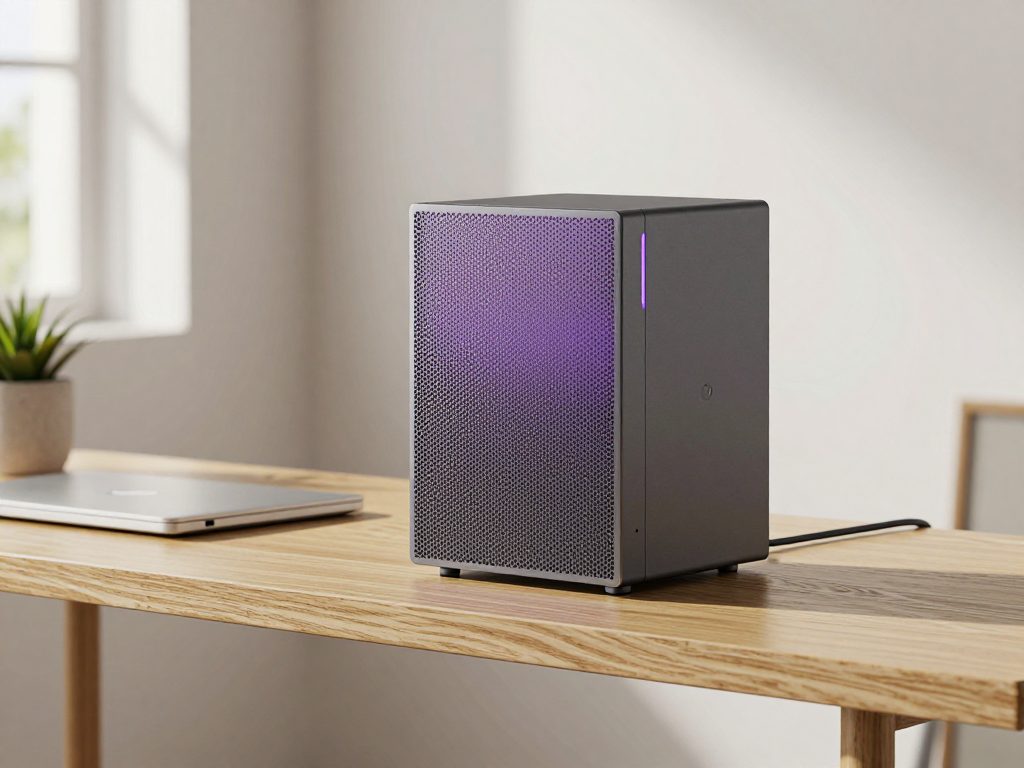
AiServa Basic
For one person, or a desk of two.
The quiet one on the shelf. Small enough to forget it is there, on all day, and never asking to be looked after.
Use It For
- A sole practitioner's front desk: receipts, referral letters and forms
- A tutor or small school office drafting worksheets and answering from its own notes
- A home office where AI Agent reads contracts, drafts replies and builds spreadsheets all day
-
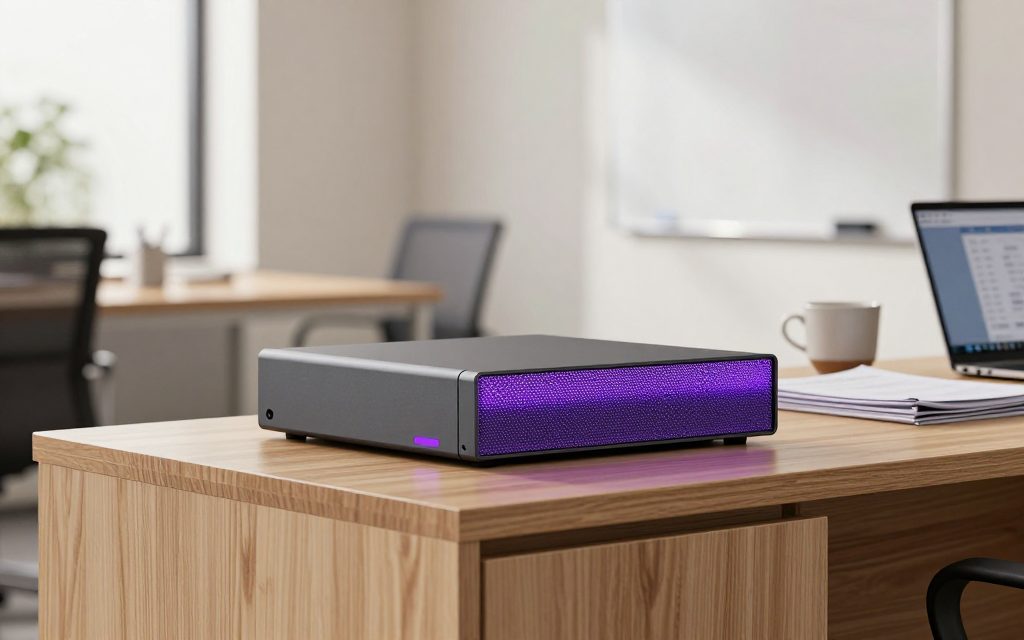
AiServa Pro
For a small team through the working day.
Sits on the credenza and serves the whole room. Built for offices where several people give AI Agent tasks every hour, and nobody wants to queue.
Use It For
- An accounting or law practice sharing Knowledge Bases of files and precedents
- A retail or e-commerce head office turning the day's sales exports into Excel summaries
- A logistics or property office that processes paperwork all day
- A clinic with reception, billing and a doctor's room all signed in
-
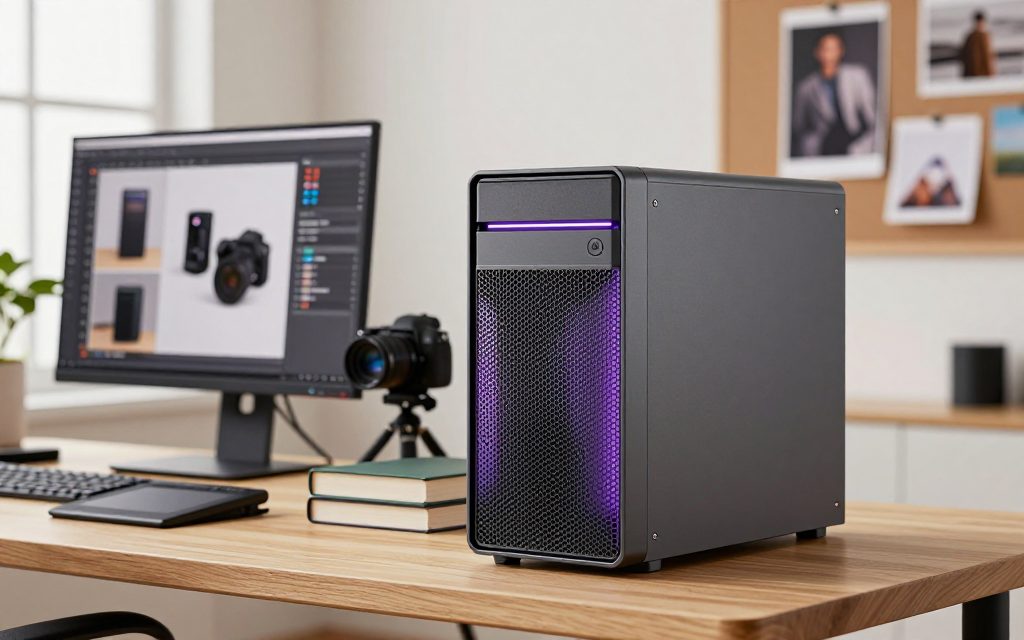
AiServa Max
For heavier work, shared across a department.
When the documents are thick, scans are part of the job and the queue never quite empties. Tower-sized, still office-quiet.
Use It For
- A team running several long agent tasks at once over large Knowledge Bases
- A school or training centre preparing material at scale in exam season
- A plant putting manuals, SOPs and supplier invoices through AI Agent
- A firm where the OCR Reader works through a whole scanned archive
-
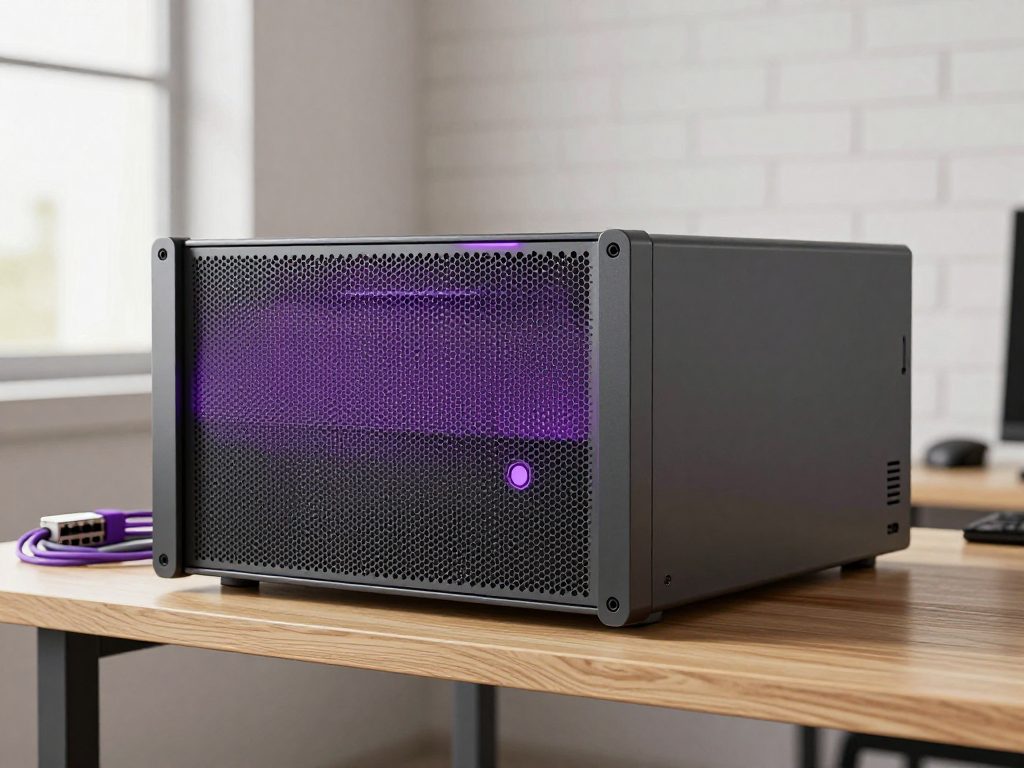
AiServa Ultra
For the whole building.
The rack-mount one, in the comms room, serving every branch and every login at once. For companies where AI is a utility, not a tool.
Use It For
- A clinic group, campus or multi-branch company with many staff signed in at once
- Departments each with their own Knowledge Bases, Skills and Connectors, side by side
- Anywhere the server earns its own room, its own door and its own cabinet
Deliberately no specification table. The right size depends on which jobs and models you will lean on, how many people share it and how much of the day it is working, so VYROX helps you choose before you order. Already own something capable? Pair it yourself and the console shows which models fit.
Your server, in the console.


Living with a Machine in the Building.
Nobody asks these questions in the first meeting and everybody asks them in the second, so here they are up front. None of them are difficult, but all of them are easier to answer before the machine arrives than after.

- Where It Goes
- Anywhere with a power socket, a network point and some airflow. A comms cabinet, a utility room, a store cupboard or a quiet corner all work. It does not need a data centre and it does not need air conditioning of its own.
- Noise
- It has fans, and they spin up while it is working. How audible that is depends entirely on the machine, which is a good reason to decide the room before you decide the hardware rather than after. If it has to sit in an occupied office, say so during scoping.
- Power
- It draws power while it is on, and more while it is actually working. The figure depends on the specific machine and your tariff, so there is no honest number to print here. Ask for it against the hardware being proposed, and ask whether you want it on a battery backup while you are at it.
- Network
- An ordinary wired connection on your existing network. No static IP, no port-forwarding, no firewall rules, because the agent dials out rather than listening for anything coming in.
- Physical Security
- This is the one genuinely new risk that owning the hardware introduces. A cloud account cannot be carried out of a building, and this can. Put it behind a door that locks, and decide who is allowed to walk up to it.
- What It Asks of You Day to Day
- Very little. Leave it powered, leave it ventilated, and tell someone if a status light stops looking right. The software side is maintained by VYROX, so there is nothing to patch, schedule or log into.
Three Ways to Power Your Workspace.
Every organisation starts the same way: create a workspace, free for 14 days with every feature. Then choose where the AI runs. You can combine them and change later.

Pair Hardware You Own
A Mac, a Linux box, a Windows PC or a GPU server. Paste the one-line installer from your Client Console and it installs the AI software and pairs with a single-use code.
- macOS, Linux or Windows
- The console shows which models fit
- Your data stays on your machine
Use Your Own Cloud Keys
No hardware yet? Add your own key for OpenAI, Anthropic, Gemini or 30+ other providers and start working in minutes. Add a local server later for private work.
- Running in minutes
- The provider bills you directly
- Keys sealed on the server
Get an AiServa Server
Prefer hardware that is ready to run? VYROX supplies AiServa Basic, Pro, Max and Ultra servers that power on and pair with your workspace.
- Four sizes, chosen by use
- Pairs like any other server
- Add more as you grow
What Actually Happens from Here.
From sign-up to the first task running, most of it done by your own team in an afternoon.

-
01
Create Your Workspace
Sign up with your company name and email. Your workspace gets its own address and a 14-day free trial with every feature.
-
02
Choose Where the AI Runs
Pair a machine you own, add your own cloud API key, or order an AiServa server from VYROX. You can use more than one.
-
03
Setup and Pairing
A one-line installer sets up the AI software and pairs the machine to your organisation with a single-use code that expires after ten minutes.
-
04
It Goes on Your Network
For a local server: power and a network cable. The server dials out and your console shows it as online, with nothing to change on your router.
-
05
Accounts for Your People
Staff get their own sign-ins, roles and permissions, all sharing the one machine.
-
06
First Real Task, Same Day
Give AI Agent something real. A stack of scanned receipts, a contract, a policy manual to turn into a Knowledge Base. That is the point everything above was for.
Keeping It Current Is Not Your Job.
The platform side is maintained for you. AI Agent's tools are improved and added over time, and the backend on your server updates itself without you scheduling anything or logging into the machine.
- New tools and Apps appear in your workspace as they ship, on the same connection
- Models are installed, switched and stopped from the console
- The hardware stays yours throughout, physically in your building
It Does Not Ask You to Abandon Anything.
AiServa is not exclusive and does not replace the software you already run. Most people keep what works and simply move the sensitive or heavy workloads onto their own server.
- Keep your cloud AI subscription, or add its models to AiServa with your own key
- Your accounting, email and document tools stay exactly where they are
- AI Agent works from files you already have, rather than a migration project
Move Over in Pieces, Not in One Weekend.
Nobody needs to switch off what they use today. The businesses that stick with this all did roughly the same thing, in roughly the same order.

Five Moves, in Order
-
01
Find the Job That Annoys People Weekly
Not the most impressive use of AI, the most repetitive one. Receipts nobody enters, invoices nobody reconciles, documents nobody has time to read. Something a specific person complains about on a specific day of the week.
-
02
Run It Beside the Old Way, Not Instead of It
For the first stretch, do the job both ways and compare. This is how trust gets built, and how you find the edge cases in your own paperwork before anything depends on the output.
-
03
Give It to the Person Who Felt the Pain
The first user should be whoever was doing the job by hand. They will spot a wrong answer instantly, because they already know what right looks like, and they have the strongest reason to keep using it.
-
04
Save It, Then Add the Second Job
Once one job is genuinely faster, save it as a Command or a Skill so everyone runs it the same way. Only then add the next one; adoption fails when everything launches at once.
-
05
Write Down What Goes Through It, and What Does Not
A short internal note listing which material is fine to give AI Agent, which models it may use, who has access to what, and who to ask when it is unclear. One page, before you need it, not after.
No timescales attached on purpose. How long each move takes depends on your volume, your people and how much of the old way you want to run alongside it, and a number invented here would be worth nothing to you.
Questions, Answered
What if my local AI server is turned off?
AI Agent shows the server as offline and waits. Nothing falls back to a cloud provider unless you have deliberately set a cloud model as your Backup Model. Turn the server back on and it reconnects automatically.
What hardware do I need to run a local AI server?
Either one of the four AiServa servers supplied by VYROX, Basic, Pro, Max or Ultra, or a machine of your own capable of running open-weight models, such as a workstation with a capable GPU or an existing server. The console shows which models fit your hardware before you install them.
Which AiServa server should I choose: Basic, Pro, Max or Ultra?
Choose by who will use it and what for, not by a specification sheet. AiServa Basic suits one person or a desk of two. AiServa Pro suits a small team giving AI Agent tasks through the working day, such as an accounting or law practice or a clinic. AiServa Max suits heavier document work and large Knowledge Bases shared across a department. AiServa Ultra serves a whole building or a multi-branch company with many staff signed in at once. All four connect the same way and run the same AI Agent, and a server can be added later as your team grows.
Does AiServa work if my internet connection drops?
Your local AI server keeps running, but the AiServa portal needs the connection to reach it, so access from outside your network pauses until it is restored. Web search, the Browser Controller and cloud models also need internet. Fully offline operation is available as a private network or air-gapped enterprise deployment.
What happens if the power goes out, or the server is switched off?
AI Agent shows your server as offline and waits. When power returns and the machine boots, it dials out again on its own and the backend keeps itself up to date, so there is nothing to reconnect by hand. If uninterrupted availability matters at your site, raise it during onboarding so it can be planned for.
What happens if the hardware itself fails?
It is a physical machine, so it is repaired or replaced like any other. Because AiServa pairs to the server rather than living on it, a replacement unit is paired to your organisation and work carries on. For AiServa servers from VYROX, cover and turnaround are agreed when you order.
How is AiServa kept up to date?
The platform side is maintained for you. New tools and capabilities appear in AI Agent as they ship, and the backend on your server updates itself without you scheduling anything or logging into the machine. Models are installed, switched and stopped from the console. The hardware stays yours throughout.
What does the setup process involve, step by step?
You create a workspace (free for 14 days), then pair a machine you own with the one-line installer, add your own cloud key, or order an AiServa server from VYROX. The installer pairs the server with a single-use code, you invite staff and set their roles, and you give AI Agent a real task the same day.
Is a local AI server hard to look after once it is running?
For the people using it, there is nothing to look after. It behaves like any other always-on machine on your network. The backend updates itself, and models and services are managed from the console, including a service restart and live stats. The genuinely local jobs are physical: keep it powered, keep it ventilated, and let someone know if a light goes out.
What happens if the person who set it up leaves the company?
Nothing breaks. The server is paired to your organisation, not to an individual, and staff accounts are added and removed from the Client Console. Sessions can be signed out remotely, and the platform is maintained by VYROX rather than by one internal expert.
What happens when the hardware gets old?
It ages like any other computer. Older hardware tends to run newer models more slowly rather than stopping outright, so the usual path is a planned upgrade. Because AiServa pairs to the server rather than living on it, moving to a newer machine means pairing the new one and carrying on.
Do I need to back anything up?
Treat it like any other machine in your business: the files you give AI Agent still live wherever you keep them, and your existing backup routine should cover them. Knowledge Bases keep their original files on your AI server, so whether the server itself needs a backup target is a question worth settling during onboarding.
Where should the server physically live?
Somewhere with power, a network point, airflow and a door. A comms cabinet, a utility room or a quiet corner of an office all work. It should not be where the fan noise will annoy someone all day, and not where a visitor could walk off with it.
How should I roll this out to a team?
Start with one repeating job that annoys someone every week, and run it alongside how you do it now until people trust the output. Save it as a Command or a Skill so everyone runs it the same way, then add the next job rather than launching everything at once.
Create your own AiServa workspace.
Free for 14 days with every feature. Sign up, pair your own AI server or add your own cloud keys, invite your team and give the AI Agent a real task.