
Company knowledge, answered with sources.
A private RAG knowledge base searches your own documents, then answers from what it found, citing file, page and section. On AiServa the whole pipeline, from OCR to the embedding model, vector store and search, runs on a server you own by default; a cloud embedding API or a Qdrant vector store are optional.
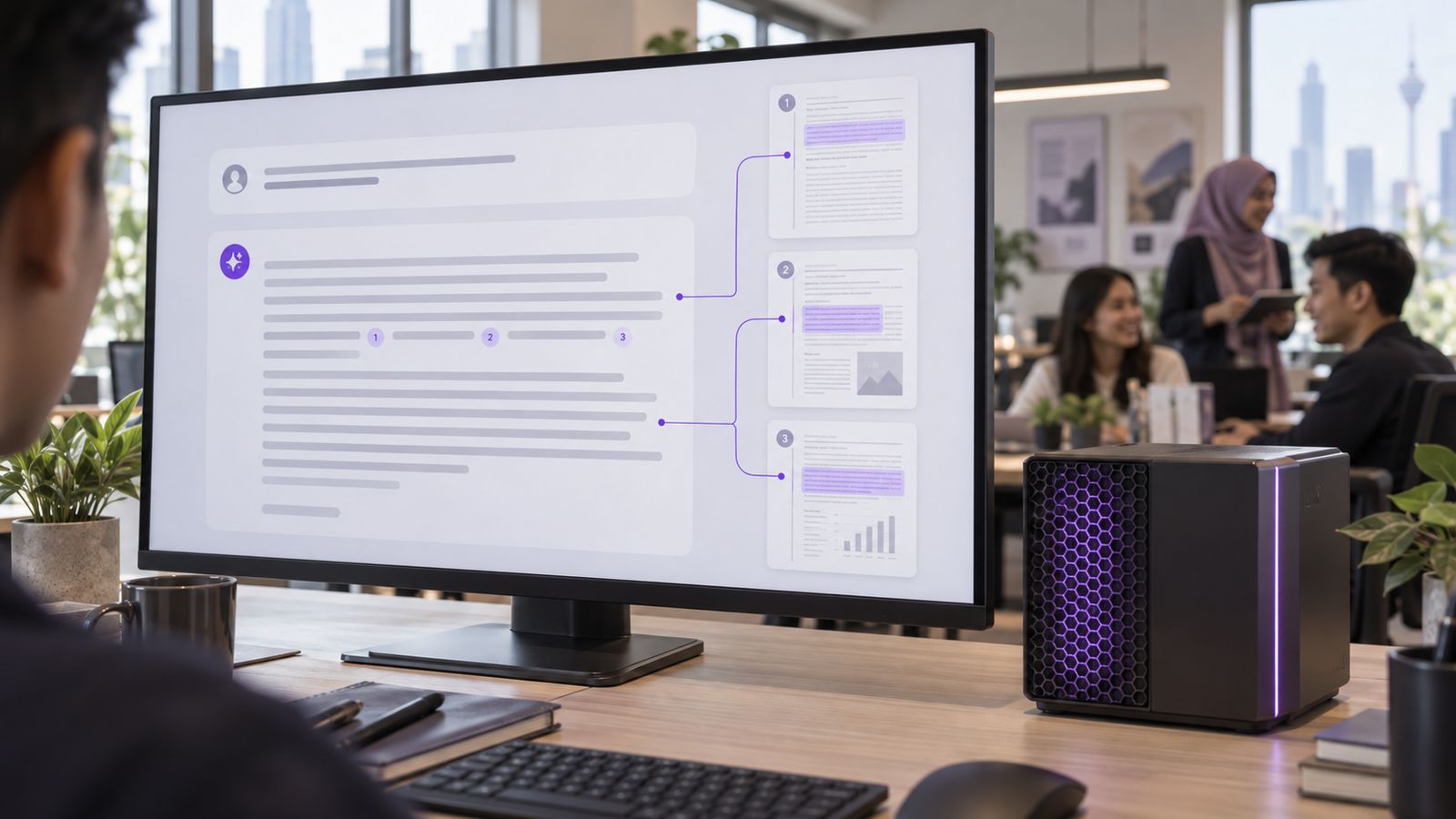
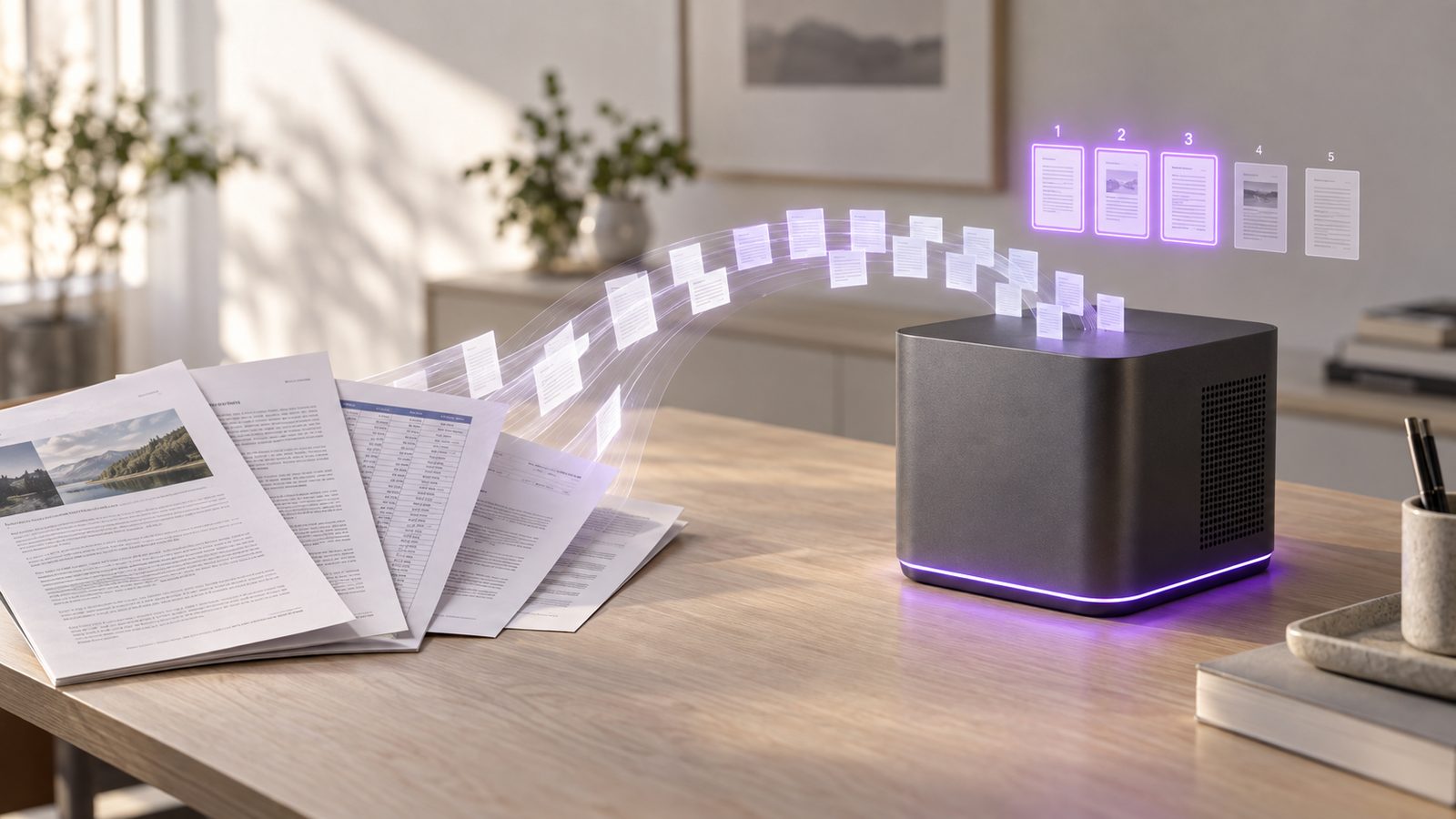
Two phases: index once, answer many times.
Indexing, in the background
- Collect. Upload files or a ZIP into the right knowledge base, or save them straight from a task.
- Parse and OCR. Text, headings and tables out of PDF, Office, email and scans.
- Chunk. Split into self-contained passages that keep their headings.
- Embed. Turn each passage into a vector with a local embedding model.
- Store. Save vectors, text and metadata (source, page, date, permissions) in the vector database, beside a BM25 keyword index.
Answering, per question
- Ask. A signed-in user asks in English, Bahasa Malaysia or Chinese.
- Retrieve. The question is embedded; vector and keyword search run together, filtered by what this user may see.
- Fuse. Both result lists are merged with reciprocal rank fusion.
- Rerank. A cross-encoder rescores the top candidates for true relevance.
- Answer. The language model answers from the best passages only, with numbered citations, or says the documents do not cover it.
Answer generation time depends on the language model and the server it runs on; retrieval itself is typically the fast part.
Inside the AiServa Knowledge Engine.
The sections above describe RAG in general. This is what AiServa Knowledge Bases actually do, step by step. Document text, chunks and vectors are stored on your organisation's own AI server, not on AiServa's.
Who Can Search What
Each knowledge base is Named People Only, Department or All Staff, with Allow or Deny per person or role. Restricted documents are filtered again by the server on every search.
50 MB
per original file
8,000,000
characters per document
5,000
PDF pages per file
25 / 100 MB
files / size per ZIP import
1,000
scanned pages per person per day
Reading the Files
- PDFs are read in the browser, up to 5,000 pages. Scanned pages are sent as images to the knowledge base's image-reading model, which transcribes them.
- Word, Excel and PowerPoint files are uploaded in pieces and parsed on the server.
- An optional OCR Reader runs on your own server for scanned PDFs, up to 25 MB per file.
- The original file is kept on your server with a SHA-256 fingerprint, so people can view, download or print the exact source.
- Word and Excel files open in the browser with their layout, sheet tabs included; PowerPoint opens as its text; a cited PDF opens at the cited page.
Chunking That Respects Structure
- Passages of about 1,200 characters, never cut in the middle of a sentence.
- A table is kept whole, or split between rows with its header row repeated on each part.
- The nearest heading is stored with each passage as its section.
- At search time, up to 500 characters of the neighbouring text on each side are added back, so the model reads the passage in context.
How a Search Runs
- 01
Two Searches
Keyword (BM25) top 60 and meaning (vector) top 60, side by side.
- 02
Fuse
Reciprocal Rank Fusion with k = 60 merges both lists.
- 03
Boost
Extra credit for exact identifiers, word coverage and heading matches.
- 04
Floor
Passages below a similarity floor set for each embedding model are dropped.
- 05
Spread
At most 3 passages from any one document.
- 06
Rerank
Optional: a language model reorders the shortlist.
- 07
Top 8
The best 8 by default go to the answer model.
Each answer numbers its passages [1], [2] and so on, and only the sources the answer actually cites are kept under it: one chip per document with its match percentage, which opens the original. Name a knowledge base in the question and only that one is searched. Restricted documents a person may not see never take a place in the ranking.
See every stage in the RAG Lab.
Ask a knowledge base one question and watch retrieval happen: the question's vector, the keyword and vector lists, how they were fused, what the floor dropped, how a reranker scored each passage, and the answer that cites them. It is the same search AI Agent runs, shown in full.
- 01
Question
Clause numbers and codes are also searched as exact phrases.
- 02
Question Vector
The embedding model, its dimensions and the first numbers of the vector.
- 03
Keyword Search
The BM25 list with each passage's score and the index query.
- 04
Vector Search
The nearest passages by cosine similarity, as a percentage.
- 05
Fusion
Keyword rank, vector rank, the fused score and what happened to each passage.
- 06
Filter
The similarity floor for this embedding model and the passages it dropped.
- 07
Rerank
An AI model scores each passage from 0 to 100 and reorders them.
- 08
Retrieve
The passages given to the model, with the text around each one.
- 09
Answer
A grounded answer with [n] citations linked to each passage.
Chunks and Vectors
Open any document to see how it was chunked: each passage with its page, section path, length and a preview of its vector, and write a cited summary of the whole document.
Tune Before You Roll Out
Try the floor AI Agent uses or a fixed one, rerank off, with the knowledge base's own model or with AI scores, and the top 3 to 10 passages, and see how the answer changes.
Same Rights, Same Limits
People see only the knowledge bases and documents they may read. A Local Only knowledge base never sends a passage to a cloud model. Model steps are limited to 200 per person and 2,000 per organisation a day.
The RAG Lab and cited answers, on real screens.
Captured from AiServa with a sample library of 31 policy, contract, finance and site documents.


Choosing the embedding model.
The embedding model decides what "similar" means. For Malaysian companies the deciding factor is usually language: a question typed in Bahasa Malaysia has to find a policy written in English, and a Chinese supplier email has to match an English specification. Any modern embedding model fits this architecture; the table shows popular open examples that run locally, not a fixed list.

Figures are the models' published specifications. Other capable open families include GTE, Jina and Snowflake Arctic Embed. Cloud embedding APIs (for example from OpenAI, Cohere or Google) also exist, but they send your text outside. AiServa uses a local model by default; an organisation may choose an OpenAI-compatible embedding API for knowledge bases that are not marked Local Only. Final choice is made by measuring retrieval accuracy on your own documents and questions.
Match the Language Mix
Mixed English, Bahasa Malaysia and Chinese collections need a genuinely multilingual model, tested with questions in each language against documents in the others.
Match the Passage Length
Long policies and contracts benefit from models that accept long inputs; a model with a 512-token limit silently ignores anything beyond it.
Plan for Re-Embedding
Vectors from different models are not comparable. Changing model means re-embedding the collection, so choose with a test on your own documents first.
Knowledge bases, as your people see them.


Chunking: the most underrated decision.
Retrieval can only return what chunking created. Cut a clause in half and neither half answers the question.
Choosing the vector store.
"Vector database" is a category, not a product. Vectors can live in a dedicated vector database, in a database you already run, in a search engine, or in an embedded library. The right kind depends on scale, filtering needs and what your IT team already operates; the brand comes second.
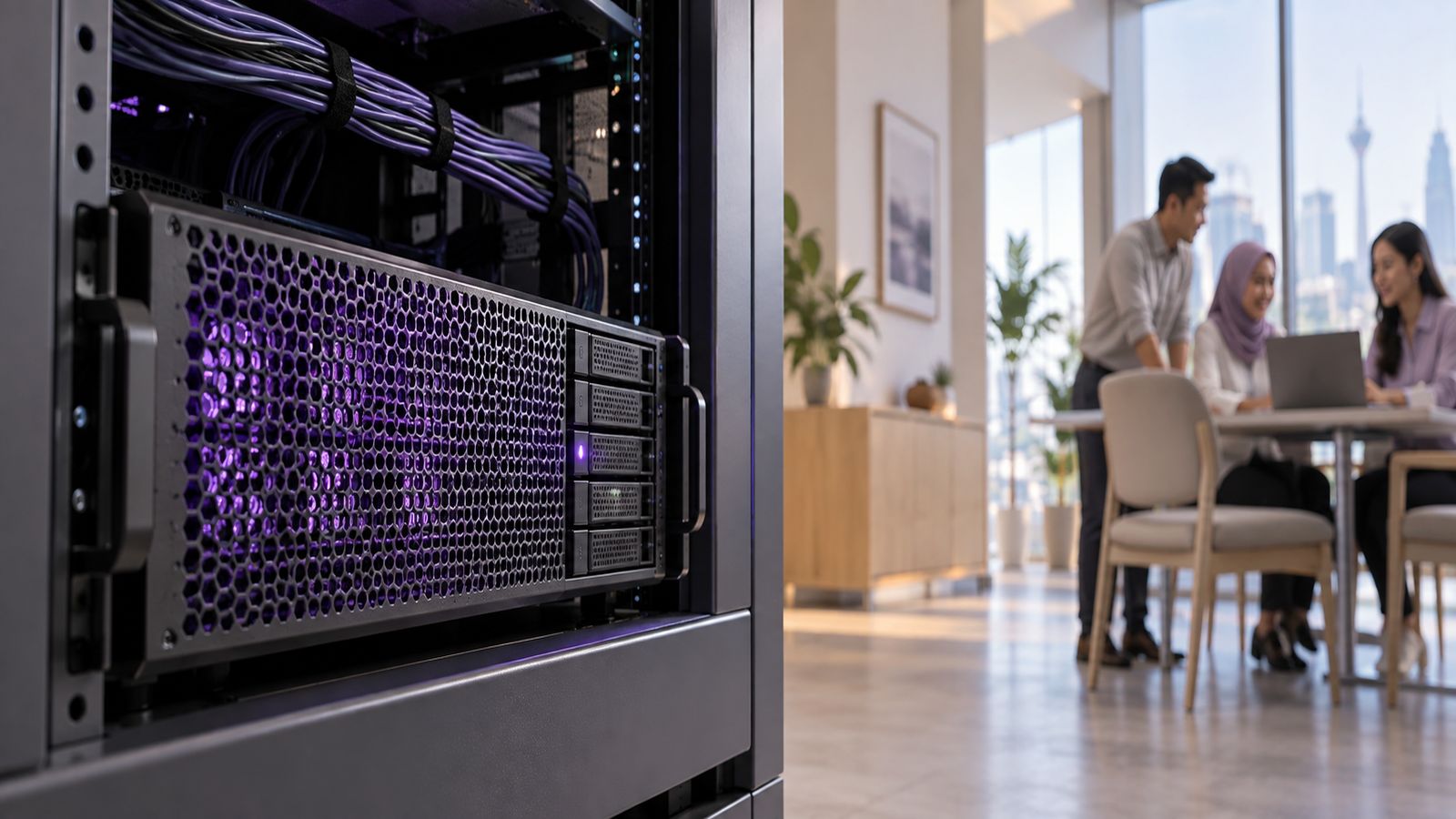
Dedicated Vector Database
A server built only for vector search, with rich filtering and quantisation.
Examples: Qdrant, Milvus, Weaviate, Chroma
Vectors in Your Existing Database
A vector type added to a database you already back up, secure and monitor.
Examples: PostgreSQL + pgvector, MariaDB and MySQL vector types, SQL Server, Oracle
Search Engine With Vectors
A full-text search engine that also stores vectors, so keyword and semantic search share one index.
Examples: Elasticsearch, OpenSearch, Apache Solr, Vespa
Embedded Library or File Store
Runs inside the application with no separate server; ideal for pilots and single servers.
Examples: LanceDB, FAISS, hnswlib, sqlite-vec
Popular Self-Hosted Examples, Compared
HNSW, the Most Common Index
HNSW builds a layered graph linking each vector to its nearest neighbours. A search enters at the sparse top layer and walks down toward the query, visiting a tiny fraction of vectors. Two settings trade accuracy for speed and memory: M, the links per node, and ef, how widely the search explores.
Quantisation in Plain Terms
Vectors are normally 32-bit floats. Scalar quantisation stores them as 8-bit integers, about a quarter of the memory; binary quantisation keeps one bit per dimension. Accuracy lost is usually recovered by rescoring the top results with the full vectors.
Search index and standing memory.


Popular RAG stacks, as examples.
A RAG system is a set of layers, and each layer has several good options. These are common complete combinations seen in real deployments. None is required: the right stack is chosen per company, and components can be swapped later without starting over.
Open Source, Fully Local
The most common private stack on a single AiServa server.
- Orchestration
- LlamaIndex or LangChain
- Model serving
- Ollama or llama.cpp
- Embeddings
- BGE-M3 or multilingual-E5
- Vector store
- Qdrant or Chroma
- Reranker
- bge-reranker
PostgreSQL-Centric
For teams that want one database to back up and secure.
- Orchestration
- LangChain, LlamaIndex or custom
- Model serving
- Ollama or vLLM
- Embeddings
- Any open model
- Vector store
- PostgreSQL + pgvector, with PostgreSQL full-text search for keywords
- Reranker
- Cross-encoder
Search-Engine-Centric
For companies already running enterprise search.
- Orchestration
- Haystack or LangChain
- Model serving
- vLLM or Ollama
- Embeddings
- Any open model
- Vector store
- Elasticsearch or OpenSearch, BM25 and vectors in one index
- Reranker
- Cross-encoder
High-Scale, Multi-Server
Company-wide deployments with very large document estates.
- Orchestration
- LlamaIndex, Haystack or custom services
- Model serving
- vLLM or Text Generation Inference
- Embeddings
- Qwen3-Embedding or BGE-M3
- Vector store
- Milvus or Weaviate clusters
- Reranker
- Dedicated reranker service
Lightweight Pilot
Smallest footprint, no extra servers, fast to stand up.
- Orchestration
- A lean Python pipeline
- Model serving
- llama.cpp or Ollama
- Embeddings
- A small open model such as nomic-embed-text
- Vector store
- LanceDB, FAISS or sqlite-vec
- Reranker
- Optional
Managed Cloud, for Comparison
Popular hosted options. Convenient, but documents and questions leave your premises.
- Examples
- Azure AI Search, Amazon Bedrock Knowledge Bases, Google Vertex AI Search
- Vector services
- Pinecone, managed Weaviate, managed Qdrant, Elastic Cloud
- Embeddings
- OpenAI, Cohere, Google embedding APIs
- Trade-off
- Less to run, but not private or air-gappable
The RAG Component Landscape
Every layer is interchangeable. AiServa deployments use the self-hosted column; the cloud column is shown so the names are familiar.
Product names are trademarks of their owners and are listed as examples only. AiServa is not affiliated with, or endorsed by, any of them.
Size your vector index.
An estimate of passages and raw vector storage from your document estate. Real indexes add graph and metadata overhead, so plan headroom on top; sizing is confirmed during scoping.
vectors = documents × pages × chunks per page
storage = vectors × dimensions × bytes per value
What makes answers actually right.
Hybrid Search
Vector search finds meaning; BM25 finds exact part numbers, clause numbers and names. Results are merged with reciprocal rank fusion, score = Σ 1 / (60 + rank).
Reranking
A cross-encoder such as bge-reranker-v2-m3 reads question and passage together and reorders the top 20 to 50, so only the best few reach the answer model.
Permission Filtering
Each chunk carries its source document's access list, and the filter is applied inside the search, never after, so restricted text never reaches the model.
Freshness
Changed files are re-indexed and superseded versions removed, so an answer never quotes last year's price list.

How We Measure It
Common Failures, and the Fix
The right document exists but is never retrieved
Add hybrid search, fix chunk boundaries, or test a stronger multilingual embedding model.
Answers quote an out-of-date version
Re-index on change, store version and date metadata, and prefer the latest effective version.
Tables come back as jumbled text
Use layout-aware parsing that keeps table structure, and chunk per table or per row with headers.
The model adds facts not in the sources
Tighter grounded prompts, citation checks, and an explicit instruction to abstain when sources are silent.
Scanned documents are invisible
Run OCR during indexing and flag low-confidence pages for a human to check.
Users see answers from files they cannot open
Carry source permissions into every chunk and filter inside the vector search.
RAG or fine-tuning?
RAG Questions, Answered
What is a RAG knowledge base?
A retrieval-augmented generation (RAG) knowledge base answers questions by first searching your own documents for the most relevant passages, then having a language model write an answer from only those passages, citing each source. It lets AI answer from company knowledge without retraining a model on it.
What is an embedding model?
An embedding model converts a passage of text into a vector, a list of several hundred to a few thousand numbers, positioned so that passages with similar meaning sit close together. Questions are embedded the same way, and the nearest passages are retrieved as candidate sources.
What is a vector database?
A vector database stores embeddings with their metadata and finds the vectors nearest to a query quickly, using an approximate nearest neighbour index such as HNSW rather than comparing against every vector. It can be a dedicated vector database, a vector extension of an existing database, a search engine with vector fields, or an embedded library. Popular examples include PostgreSQL with pgvector, Qdrant, Milvus, Weaviate, Chroma, Elasticsearch or OpenSearch, LanceDB and FAISS.
Is RAG better than fine-tuning a model on our documents?
For company knowledge, usually yes. RAG answers from the current version of each document, shows its sources, respects document permissions and updates as files change. Fine-tuning bakes knowledge into model weights, cannot cite sources, and must be repeated when documents change. The two can be combined, but RAG is the right starting point.
How much storage does a vector index need?
Raw vector storage is the number of passages multiplied by the embedding dimensions and the bytes per value. One million passages at 1,024 dimensions in 32-bit floats is about 4.1 GB, or about 1 GB with 8-bit scalar quantisation, before index overhead. The calculator on this page works it out for your numbers.
Does AiServa send documents to an embedding API?
Not by default. AiServa embeds with a local model on your own server. An organisation may choose an OpenAI-compatible embedding API with its own key for knowledge bases that are not marked Local Only; Local Only knowledge bases always embed locally and always use the built-in vector store.
Can I see how AiServa found a passage?
Yes. The RAG Lab follows one question through every stage: the question vector, the keyword and vector lists, reciprocal rank fusion, the similarity floor, an optional rerank with 0 to 100 scores, the passages retrieved and the cited answer. The Chunks and Vectors view shows how each document was split and stored.
Can staff open the document an answer cites?
Yes. Each cited document appears under the answer with its match percentage and opens the original: a PDF at the cited page, Word and Excel files with their layout in the browser, and PowerPoint as its text. Only people who may read the document can open it.
How do you measure whether RAG answers are right?
With a test set of real questions whose correct source passages are known. We measure retrieval recall at k, mean reciprocal rank, answer faithfulness to the retrieved passages and citation accuracy, before rollout and after every change to models, chunking or data.
Test RAG on your own documents.
Create a workspace, upload a folder of real documents, and ask twenty real questions. Check every answer against its citation. Free for 14 days.