
Your Server. Your Data. Your Control.
Security questions deserve direct answers. This page shows where a request actually travels, what stays in your building, the questions an auditor asks, and how AiServa behaves when something goes wrong.

Your Server. Your Data. Your Control.
Privacy is not a bolt-on feature here, it is the reason AiServa is built this way. Every architectural decision starts from one rule: inference happens on your hardware, or at a cloud provider you chose with your own key, never on ours.
Local-First Inference
Local models run on your own connected server. A cloud model is used only if your organisation adds its own API key, and you choose which models are switched on.
Encrypted, Outbound-Only Connection
The connection between your server and aiserva.com is encrypted in transit and opened from your side, so nothing is exposed to the open internet.
No Training on Your Data
Your documents and tasks are yours. AiServa does not use them to train any model. If you add a cloud key, that provider's own terms apply.
Audit Log
Administrator changes are recorded and readable from the console, active sessions are listed with remote sign-out, and Agent Runs show where each run came from (User Portal, Client Portal, Scheduled Task, API, AiServa Desktop or Chrome Extension) with its tool calls, questions, refusals, tokens and cost.
Revoke Access Anytime
Power off your server or revoke the pairing, and the connection closes. Sign any person out of every device remotely.
You Own the Hardware
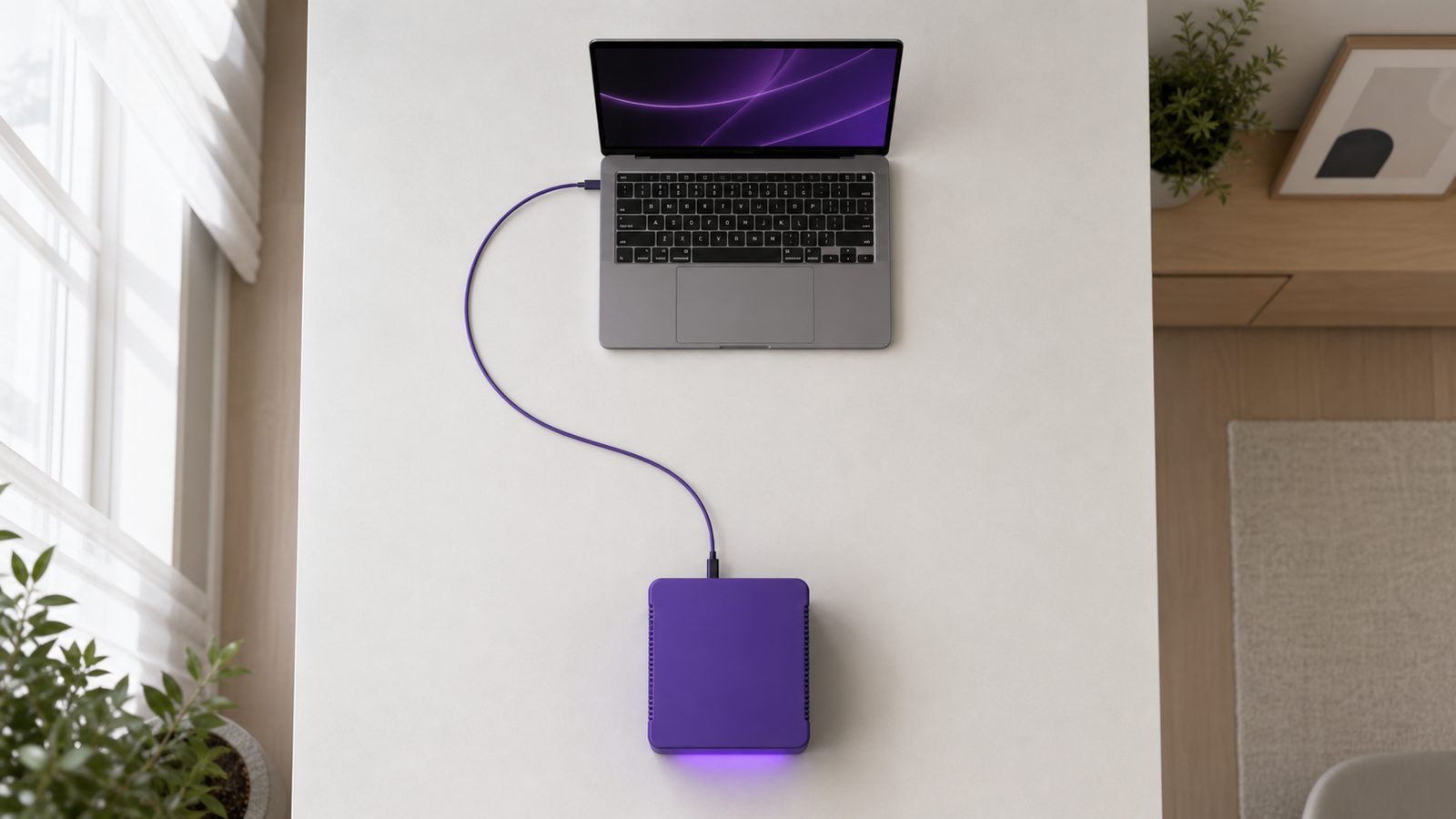
There is no shared multi-tenant model. Your AI server is exactly that, yours, physically, at all times.
Zero-Trust by Design
Every connection is authenticated and outbound-only from your server's side. Pairing uses single-use codes that expire after ten minutes, and API and pairing tokens are stored hashed.
Guarded by Default
Secrets are encrypted at rest, outbound requests are guarded against SSRF, tools carry prompt-injection guards, and two-step sign-in can be required per organisation.
Why This Matters More Than a Privacy Policy.
A privacy policy is a promise about how data will be handled. AiServa's architecture makes the promise structural: with local models, your documents and tasks never travel to a shared AI server in the first place, so there is no third party in the loop to make a promise to. Local is the default; cloud is a deliberate choice your organisation makes by adding its own key.
That matters most for the records that carry the most risk if they leak: patient files, client contracts, payroll data, financial statements. AiServa is built for exactly the kind of business that cannot take a chance on where that data ends up.

Where a Request Actually Goes.
People ask this more than any other question, so here is the whole path, in plain language, for a single document you give AI Agent with a local model.
-
01
You Give AI Agent a Task
You sign in on a laptop or phone, in AiServa Desktop or in the Chrome extension, and describe the job.
-
02
The File Goes to Your Server
Your document travels through the encrypted connection your server opened, addressed to your server and nothing else.
-
03
Your Hardware Does the Thinking
The local model reads the document on your own machine, in your own building. This is the step that costs money on a cloud plan. Pick a cloud model with your own key and this step runs at that provider instead.
-
04
The Answer Comes Back
The result, and any file the agent made, returns along the same connection and appears in your task.
-
05
You Control What Is Kept
aiserva.com relayed the connection; it is not where your document was read. Knowledge Base text and original files stay on your AI server.

The Questions an Auditor Asks, and How Long It Lasts.
Owning the machine changes the answers to most governance questions, usually in your favour, and it also means the hardware has a lifespan you should plan for rather than ignore.
- Who Can Reach What
- Staff sign in as themselves, and roles, departments, record levels and per-tool rights decide what each person can open.
- A Record of What Was Done
- The audit log records administrator changes, and Agent Runs show each task step by step, where it came from, its tool calls, questions, refusals, tokens and cost, never its words, so both governance questions have an answer.
- Where the Data Physically Sits
- With local models, inference happens on a machine in your building, so questions about which country a record was processed in answer themselves. Cloud use is a visible choice made per organisation.
- Professional Confidentiality
- Kept on local models, client files, patient records and case material never travel to a third-party AI provider, which is a far easier position to defend than a policy promising they are handled carefully elsewhere.
- Revocation Is Physical
- Power the machine down, or unpair it from the console, and the connection closes. There is no account somewhere else still holding a copy.
- How the Hardware Ages
- Like any computer. As the work gets heavier it tends to slow down rather than stop, so replacement is something you plan rather than something that surprises you.
- The Upgrade Path
- AiServa pairs to the server rather than living on it. A newer machine is paired to the same organisation and work carries on against it.
- As the Agent Improves
- New tools and capabilities arrive on the connection you already have, and the server backend updates itself. What your particular machine can comfortably run stays a hardware question, worth reviewing as your use grows.
- Signed Server Updates
- AI servers install only update scripts signed with an offline release key. Anything unsigned or altered is refused and the running version stays.
- Hidden Documents Stay Hidden
- A restricted document a person may not read never takes a place in their search results or counts, checked on the AI server and again on the portal.
- Documents Open Safely
- Word and Excel originals are drawn in the person's own browser, on a page that runs only AiServa's scripts and loads nothing from outside. Spreadsheet cells are shown as plain text.
- Local Only Means Local
- A knowledge base marked Local Only is embedded, searched and answered on your own servers. Its passages never go to a cloud model, in AI Agent or in the RAG Lab.
When Something Goes Wrong.
Owning the hardware means owning the failure modes too. None of them are dramatic, but you should know what each one looks like before you buy.

The Server Is Switched Off
AI Agent shows it as offline and waits. Nothing falls back to a cloud provider unless you deliberately set a cloud model as your Backup Model. Switch it on and it reconnects by itself.
The Power Goes Out
Same as being switched off. When power returns and the machine boots, the agent dials out again on its own, with nothing for you to reconnect manually. If uninterrupted availability matters to your site, that is worth raising during onboarding.
Your Internet Connection Drops
The server keeps running locally, but the portal needs the connection to reach it, so access from outside your network pauses until the line is back. An answer already in progress is not lost: it resumes when you reconnect. For fully offline use, see the private network and air-gapped modes.
The Hardware Itself Fails
It is a physical machine, so it is repaired or replaced like any other physical machine. Because AiServa pairs to the server rather than living on it, a replacement unit is paired and work carries on. Cover and turnaround are scoped with VYROX rather than assumed.
The Server Is Busy When Several People Use It
Requests are handled by one machine, so heavy simultaneous use is a question of capacity rather than a billing cap. This is exactly what sizing during onboarding is for, and it is why the hardware conversation happens before anything is ordered.
Questions, Answered
Does my data leave my network?
Not when you use local models: the model reads your material on your own server, and Knowledge Base text and original files stay there. Data only goes outside when you choose it: a cloud model you added a key for, a web search, a page the Browser Controller visits, or an MCP server you set up. aiserva.com relays the connection between your device and your server; it is not where local inference runs.
Can I control who in my team can use which tool?
Yes. Staff have their own sign-ins, with roles, departments, per-user permissions, record levels (Own, Department or All) and per-tool rights. Two-step sign-in with an authenticator app can be required per organisation, and an audit log records administrator changes while Agent Runs record what the agent did, so you can answer both governance questions: who has access, and what was actually used.
Can the AI see documents a staff member is not allowed to open?
Knowledge Bases are scoped to the organisation, a department or one person, and access rights decide who can use each one, so a person only gets answers from Knowledge Bases they are allowed to use. Restricted documents are filtered again by the server on every search.
Create your own AiServa workspace.
Free for 14 days with every feature. Sign up, pair your own AI server or add your own cloud keys, invite your team and give the AI Agent a real task.