An AI Agent that plans, researches and drafts real work on your own AI server, or your own cloud keys.

0
Message limits imposed by AiServa itself
25+
Cloud AI providers, optional, only with your own key
3
Operating systems for the one-line installer: macOS, Linux and Windows
1
AI Agent with a full toolbox, for everyone in the organisation
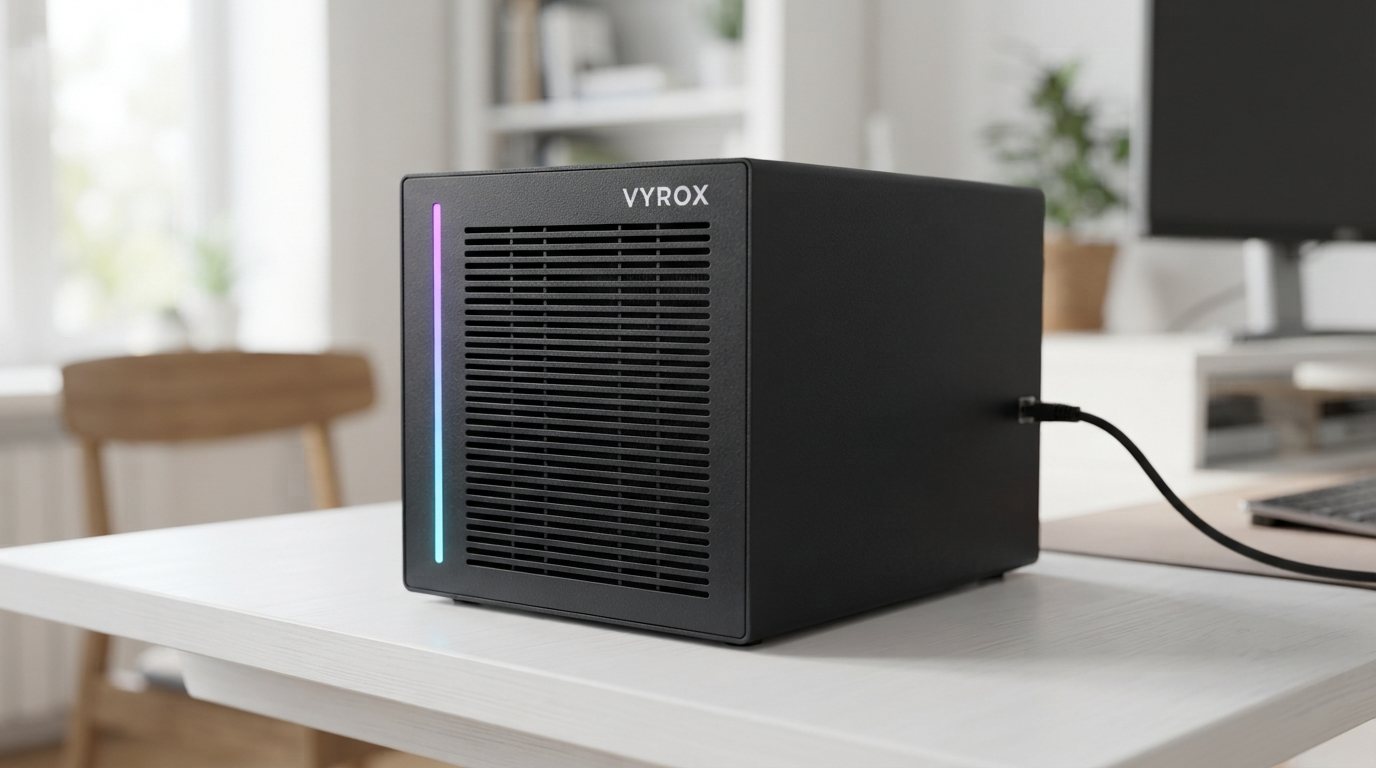
AiServa is a private AI workspace where an AI Agent does real work on AI you own. Get the server from VYROX ready to plug in, or pair hardware you already own. Local models run on your machine; a cloud model is only used if your organisation adds its own key. AiServa itself supplies no models and no keys.
Every prompt to a cloud provider costs them compute, so they cap you, throttle you, or charge you per token. Your own server has no such incentive. Once it is running, using it once or ten thousand times costs the same.
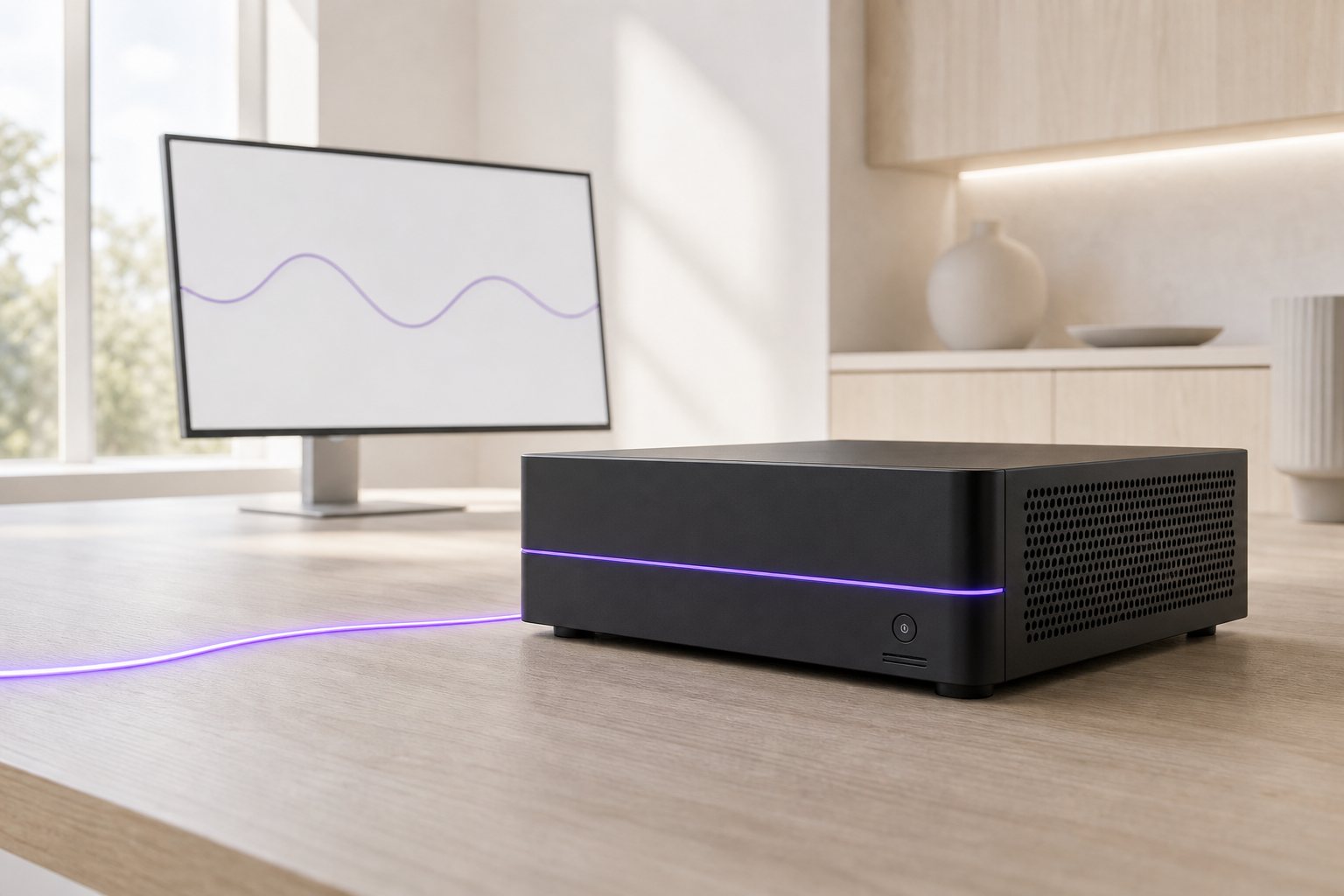
Cloud plans throttle you mid-task, reset weekly caps, or push you to a higher tier the moment you are actually productive with the tool.
Add a teammate, pay again. Use it heavily, pay more. The bill scales with your usage, not with the hardware you have already invested in.
Every document, receipt or conversation you type into a cloud AI is processed on infrastructure you do not control, under a policy you did not write.
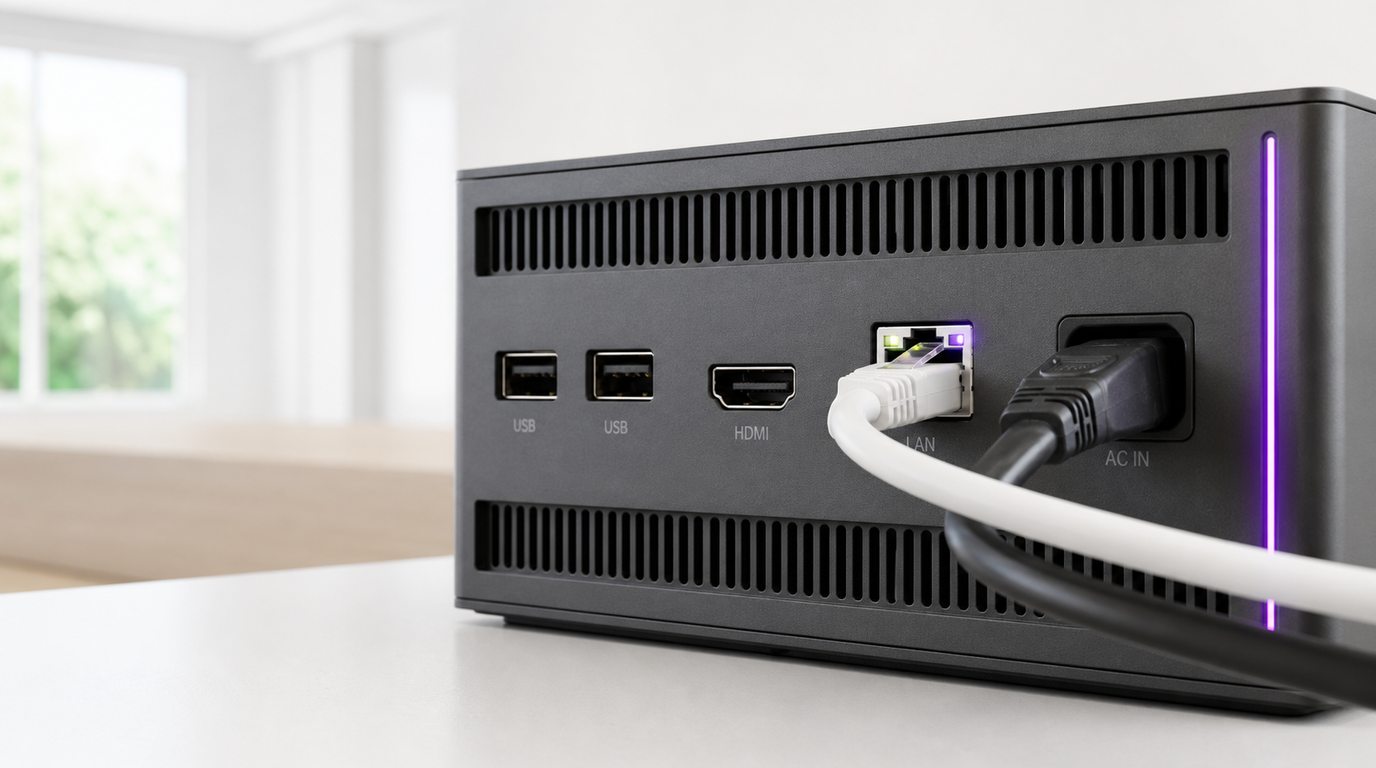
Any organisation can be running in an afternoon. A local server needs no port-forwarding, static IP or router change: the one-line installer pairs it once, and it dials out over an encrypted connection whenever it has power and a network.
Sign up at aiserva.com with your company name. Free for 14 days with every feature.
Paste the one-line installer on a machine you own, plug in an AiServa server, or add your own cloud API key.
Your console shows the server as Online. Add staff, roles and departments, and load your first knowledge base.
Describe the job in plain words. The agent plans the steps, uses the tools you allow and hands back the result, with no message limits from AiServa.
Real screens from AiServa, captured from a demo workspace. AI Agent, and everything it can reach, is set up in one console in plain words.

Give it a task in plain words. It searches your knowledge bases, names the documents it used and offers the next step as a tap.

Switch on internet search, email, browser control, document tools and a calculator, and choose who can use each one.

Each knowledge base lists who can read it, how many documents it holds and which of your own servers keeps it.

Every model you connect, where it runs, what it can do and which app uses it, each with its own On switch.
AI Agent is not a chat box. Describe the job in plain words and it plans the steps, reads your files and Knowledge Bases, searches the web, drives a browser, writes the document and drafts the email, then hands the result back for you to check.
See Every Capability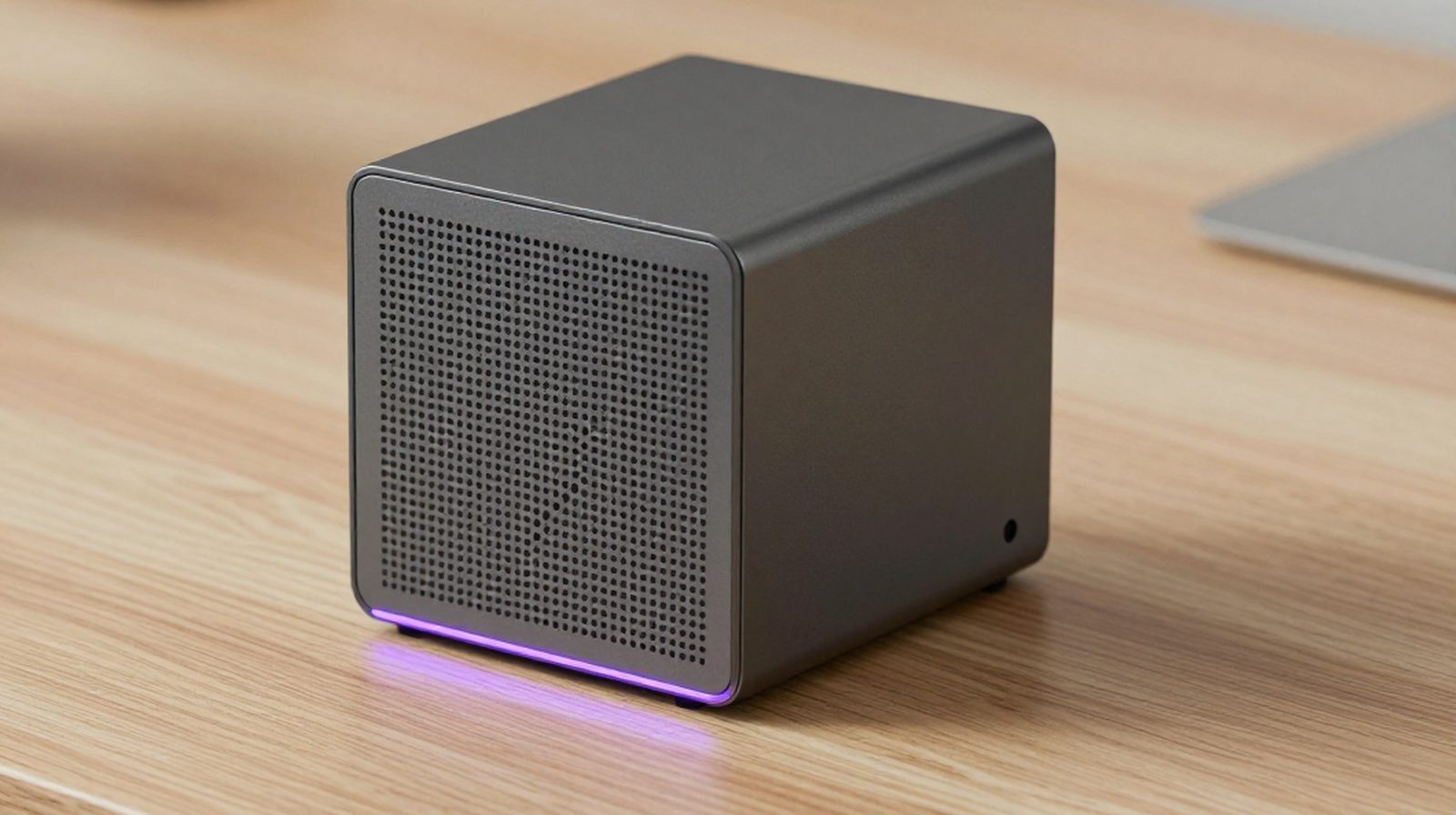
It breaks the request into steps and picks the tools each one needs, using only the tools your role allows.
Knowledge Bases, Internet Searcher, Link Reader, OCR Reader, Browser Controller, File and PDF Tools, Email and your own MCP Servers.
Agent Runs retry failed steps, stop loops before they start, and can switch to a Backup Model you chose. A dropped connection does not lose the answer.
Files, a Task Summary of what it did and what is still open, and a Web Browser panel that runs the HTML it writes. Save the job as a Command and run it again with /name.
Search, read, write, browse and email, with your administrator deciding who can use what. Run any model locally, or bring your own cloud key.
Internet Searcher, Email Sender, Browser Controller, Document Tools and Calculator, each with its own list of who can use it.
Organisation, department or private. Every answer shows its source, and the original files stay on your server.
It never fills card or one-time-code fields and types a password only if you allow it, and asks Allow or Skip before buy, pay, send, submit or delete.
PDF, Word, Excel with working formulas, PowerPoint and CSV, plus merge, split and an OCR Reader for scans.
Your house style as a skill, saved prompts you run with /name, and MCP servers that ask before every use.
27 local chat models and 9 embedding models on your own server, or 34 cloud providers with your own key. Switch each model on or off from the browser.
See Every Model OptionChatGPT, Claude and Gemini are excellent products. AiServa takes a different approach: one AI Agent for the whole team, running on AI you own.
Where a hosted plan wins: setup takes minutes when chat is all you need.
The whole path for one document you give AI Agent with a local model. Your hardware does the reading; aiserva.com only relays the connection.
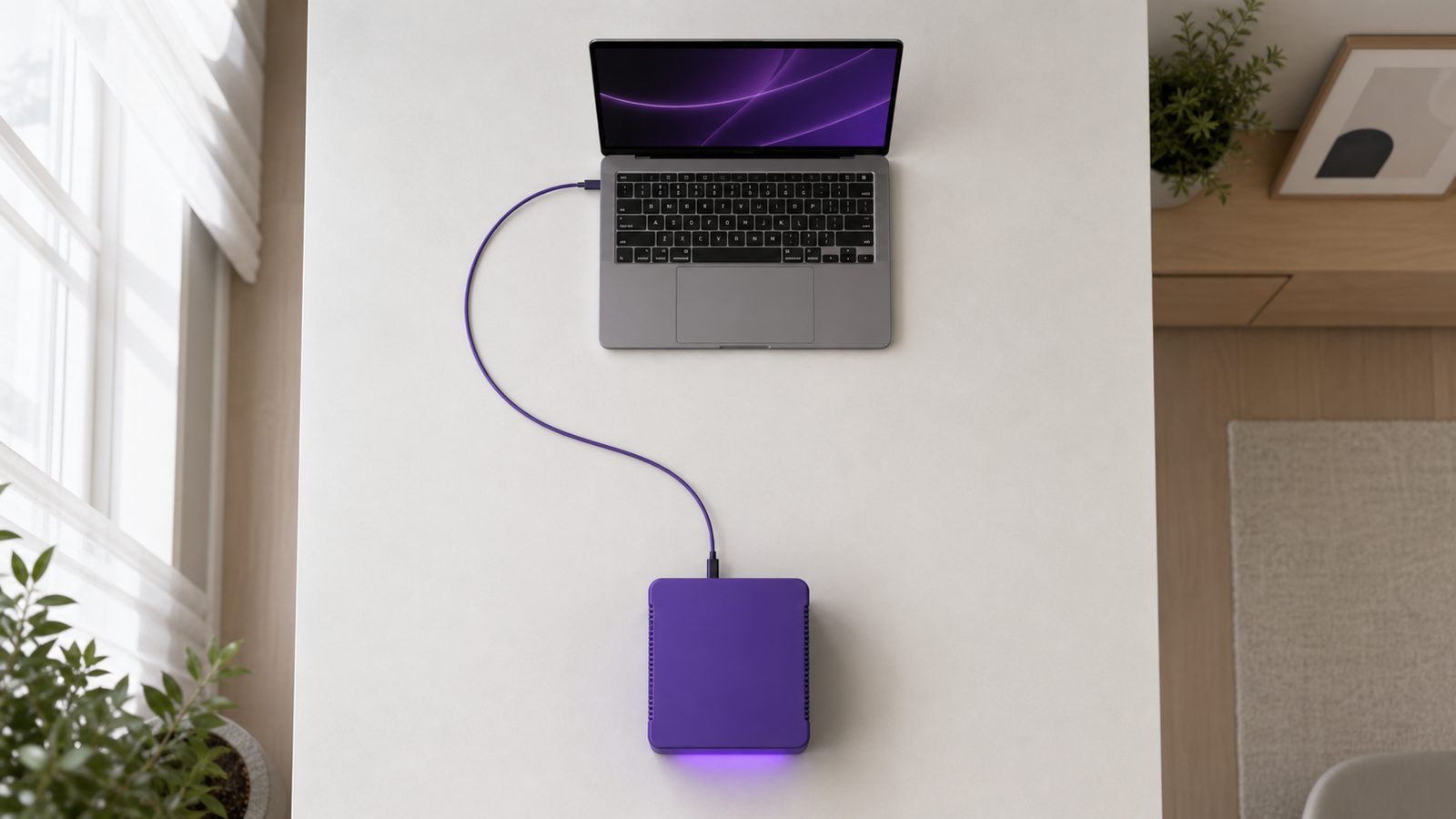
Sign in on a laptop or phone, in AiServa Desktop or in the Chrome extension, and describe the job.
It travels through the encrypted connection your server opened, addressed to your server and nothing else.
The local model reads the document on your own machine. Choose a cloud model with your own key and this step runs at that provider instead.
The result, and any file the agent made, returns along the same connection and appears in your task.
Knowledge Base text and original files stay on your AI server. Power it off or unpair it, and the connection closes.
Twelve professions, each with its own guide to the documents they handle and the work AI Agent takes off their desk.


The same platform, scaled across departments. With local models, every model, document and vector stays on hardware your company owns.

The same AI Agent at four sizes. What changes is how many people share it and how hard they work it. Already own a capable machine? Pair it instead.

For one person, or a desk of two.
A sole practitioner's front desk: receipts, referral letters and forms.

For a small team through the working day.
An accounting or law practice sharing Knowledge Bases of files and precedents.

For heavier work, shared across a department.
A team running several long agent tasks at once over large Knowledge Bases.

For the whole building.
A clinic group, campus or multi-branch company with many staff signed in at once.
Every question that comes up in a first conversation, including the awkward ones. Still not covered? Talk to us on WhatsApp.
Ask on WhatsApp
AiServa is a private AI workspace where an AI Agent does real work: it plans the steps, reads your files and knowledge bases, searches the web, drives a browser, writes documents and drafts email. It runs on AI you own, either your own local AI server (an AiServa server from VYROX, or hardware you already have) or your own cloud API keys. AiServa itself supplies no models and no keys.
It completes tasks rather than just chatting. It can answer from your Knowledge Bases with cited sources, search the web and read the pages it finds, read links and long PDFs, read scanned PDFs with the OCR Reader, control a browser, create PDF, Word, Excel, PowerPoint and other files, merge and split PDFs, draft or send email, and use your own MCP Servers, Skills and Commands. Risky browser actions such as paying, sending or deleting wait for you to press Allow.
No. AiServa is local-first. Open-weight models run on your own AI server and sensitive work can stay there entirely. Cloud models are only used if your organisation adds its own API key for a provider, and you decide which models are switched on.
On your own server: open-weight models such as Qwen 3.x (the default), Gemma 4, gpt-oss, Llama, DeepSeek-R1, Mistral, Phi-4, Granite and Nemotron, installed and switched from the console. With your own key: OpenAI, Anthropic, Google Gemini, xAI, Mistral, DeepSeek, Alibaba Qwen and more than twenty-five other providers, or any OpenAI-compatible endpoint. It also works with vLLM, LM Studio, llama.cpp and LocalAI.
No. Create a workspace at aiserva.com (free for 14 days), then either pair an AI server with the one-line installer for macOS, Linux or Windows, or add your own cloud API key. You can use hardware you already own or an AiServa server from VYROX; help from VYROX is optional.
A one-line installer sets up the AI software and pairs the machine to your organisation with a single-use pairing code that expires after ten minutes. From then on the server dials out to aiserva.com over an encrypted, outbound-only connection, so there is no port-forwarding, no static IP and no router configuration. When the server is on and online, it shows as online in your console.
Cloud AI providers meter usage because every request runs on their servers. When AI Agent uses a model on your own server, AiServa imposes no per-message or per-token metering, so how much you use it is a question of your hardware's capacity. If you add your own cloud key, that provider bills you under its own terms.
Create your workspace at aiserva.com/app/signup.php. It is free for 14 days with every feature. Pair your own AI server with the one-line installer or add your own cloud API key, invite your staff, and AI Agent and every tool your administrator allows are available from your portal.
Yes. Everyone in your organisation shares the same AI server and the same connection, each with their own sign-in, permissions and task history. How many can work at once comfortably depends on the server, and more servers can be added to the same workspace.
No. A chatbot answers a message. AI Agent works through a task: it plans steps, calls tools, checks results, retries when a step fails, stops itself from looping, and hands back finished files and a summary. You can follow each run in Agent Runs.
No. AiServa does not replace the tools you already run. Your accounting, email and document software stay where they are, and AI Agent works from files you already have, or through MCP servers to systems you choose. Most people keep what works and move the sensitive or heavy jobs onto their own AI.
No per-token charge from AiServa, and cloud only if you add your own key. Your own hardware or an AiServa server, your own cloud keys, and an AI Agent that does the work. Free for 14 days.